Kubernetes(K8s) is now commonplace in most organisations. If it’s not, then it’s definitely being looked at as an option for the near future. There is still an air of magic around deploying to the “cluster” which takes just a simple yaml file containing the all to common docker image. As simple to produce locally as it is via any major vendor, your scaleable, self healing application is then published to the world.
As Kubernetes has become more refined, more lightweight options have turned up making it even more viable to “own your own” K8s cluster on just a set of Rasp. Pi’s lying around. Steps below show how you can put one together.
Key steps:
Setup a Raspberry Pi
- Flash SD using the Raspberry Pi Imager ( e.g Rasp Pi OS Lite (64-bit) – Debian Trixie)
- Boot up and locate on your network
Prepare for Kubernetes
Originally tried to use microk8s setup on Ubuntu, but wasted a lot of time setting up and configuring Ubuntu for K8s only to find out microk8s took ages to respond. This may have just been my setup or a lack of familiarity with Ubuntu but long story short used k3s instead.
Super simple to setup k3s even has a utility to check to make sure your Rasp. Pi is correctly configured. Be sure to note the section on raspbian setup this i’ve covered in the steps below but may have changed at the point of reading.
Steps taken from K3s documentation and reference material below were as follows:
sudo sh -c 'echo " cgroup_enable=memory" >> /boot/firmware/cmdline.txt'; sudo reboot
Install K3s
This was so super easy its criminal.
curl -sfL https://get.k3s.io | INSTALL_K3S_VERSION=v1.35.0+k3s1 sh -
Once this has installed K3s will be running on the box and you can issue a kubectl command to see the available node. This is all detailed at in the K3s quick start guide.
Connect to K8s remotely
To then connect to the instance locally steal the credentials from
/etc/rancher/k3s/k3s.yaml
and add them to your local ~/.kube/config file
Add another K8s node
This is also super easy. Once you have another Rasp.Pi instance up and running on your network with the steps above obtain the token from the first instance
sudo cat /var/lib/rancher/k3s/server/node-token
Then on your new instance install K3s referencing the IP of the initial instance
curl -sfL http://get.k3s.io | INSTALL_K3S_VERSION=v1.35.0+k3s1 K3S_URL=https://<<IP-ADDRESS>>:6443 \
K3S_TOKEN=<<TOKEN>> sh -
Once added you should be able to see the new node and its status using
kubectl get nodes
or even to have a look at how the pi’s are performing
kubectl top nodes
Buy a swanky box
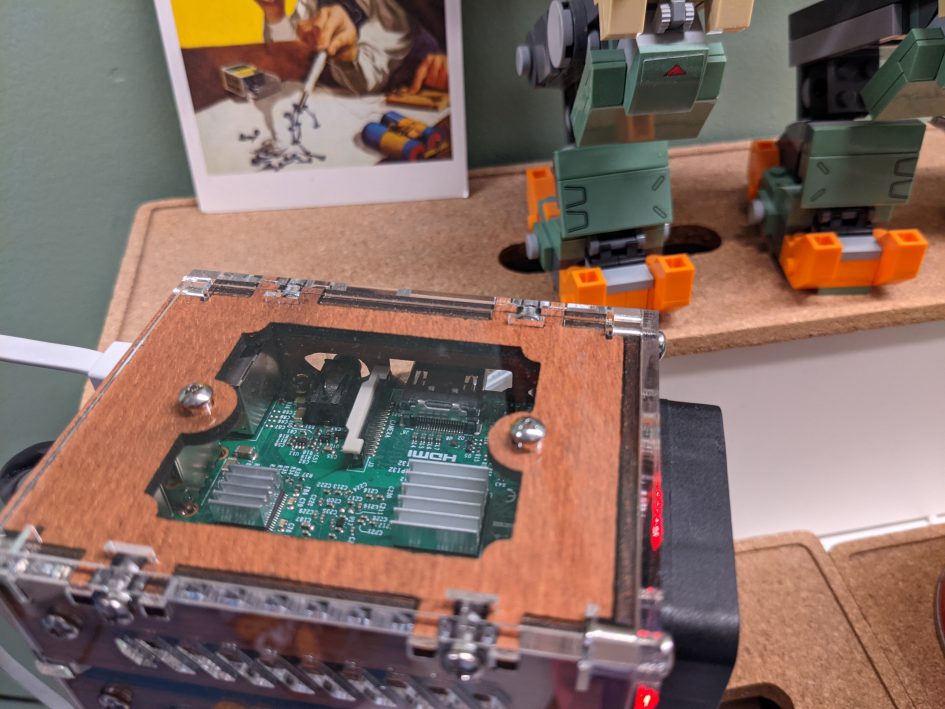
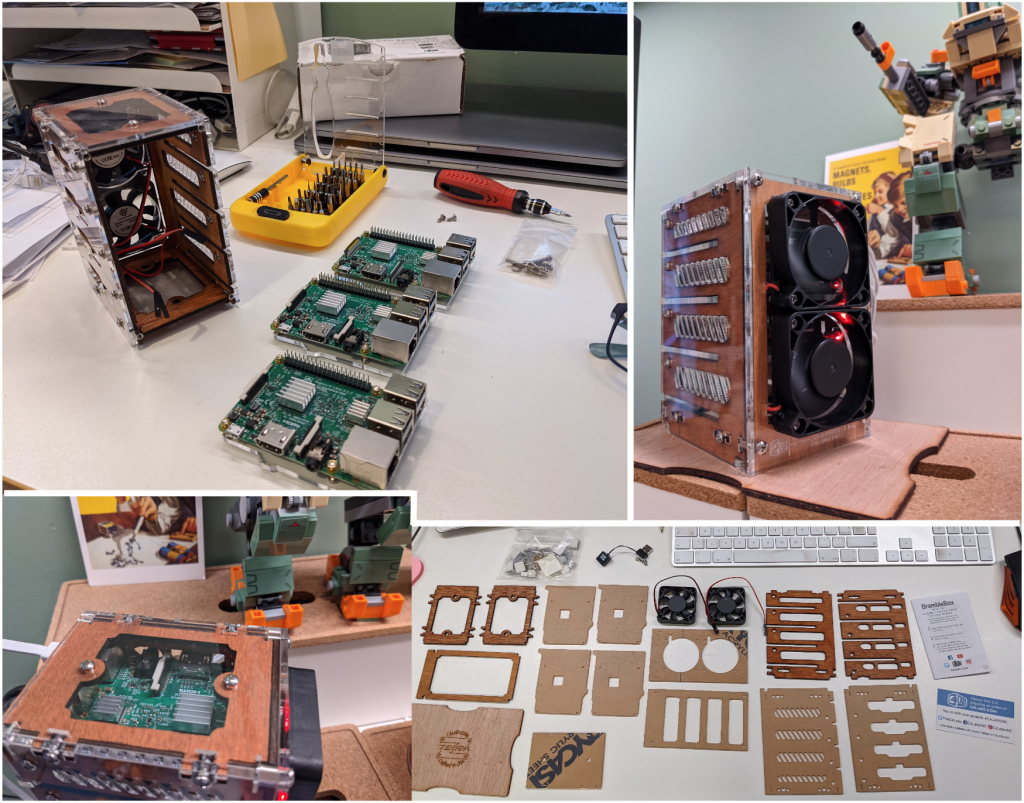
This was probably the best bit. An exceptional dude in California has put together the sweetest box you have ever seen to house all your hard work.
References
Running a Production-Ready Raspbery Pi Kubernetes Cluster at Home
Zebra Bramble Cluster Case (4-stack)

Leave a Reply